 Vaayil
WireGuard® client for Android
Bring your own tunnel.
Vaayil is a calm, private client for the WireGuard tunnels you already have: a server you run yourself, or a configuration from a provider you trust. It sells no bandwidth, runs no servers and has no accounts.
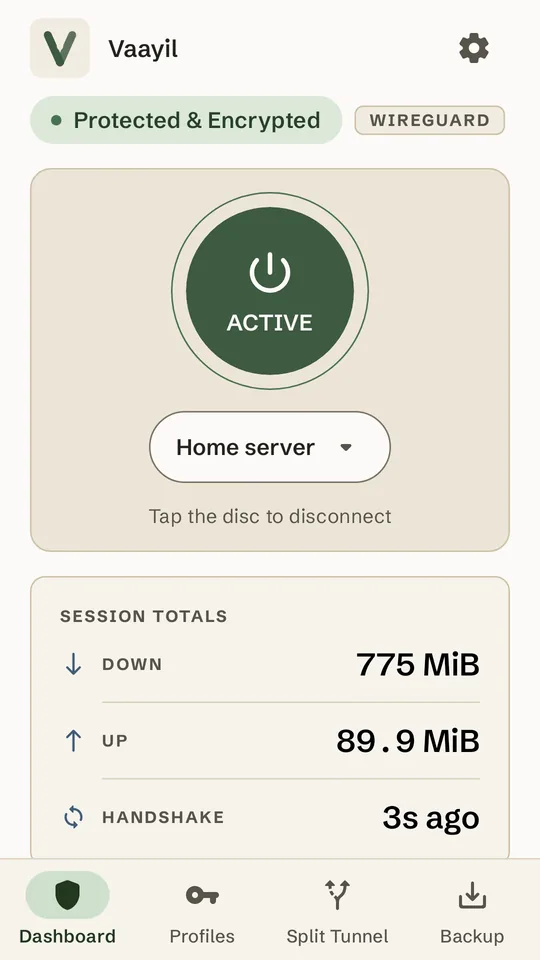
How it works
Three steps, then forget about it.
Add your tunnel
Import a .conf file, open one from another app, paste it, scan a QR code or type it in.
Tap the disc
Android asks for VPN permission the first time. After that, one tap connects and disconnects.
See that it's real
Connected shows only once your server completes a handshake, with real session totals and never made-up speeds.
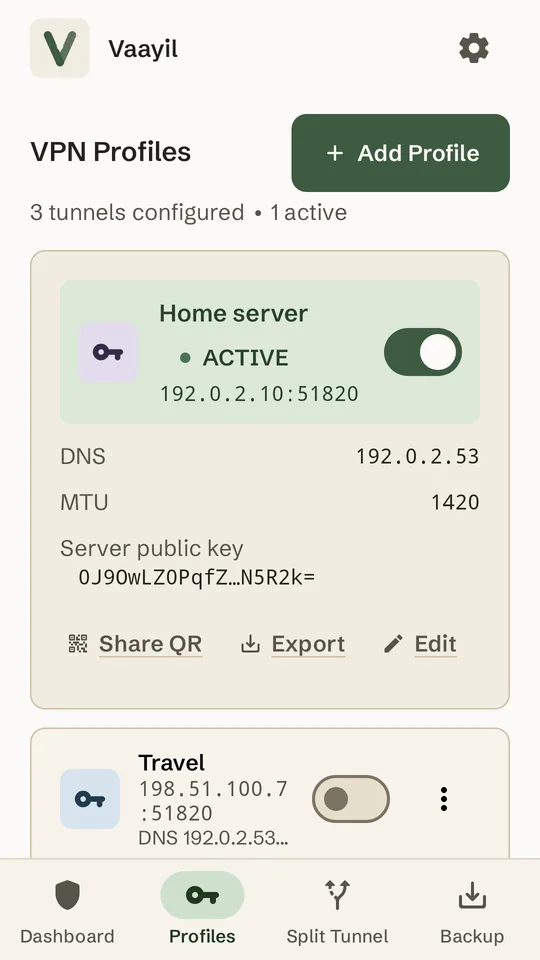
Profiles
Every tunnel, one switch away.
- Each profile has its own connect switch, and the dashboard's disc connects the one you pick.
- Share a profile as a QR code, in a window that blocks screenshots, or export a
.conffile. - If a switch to another profile fails, the tunnel you were on stays up, and Vaayil tells you.
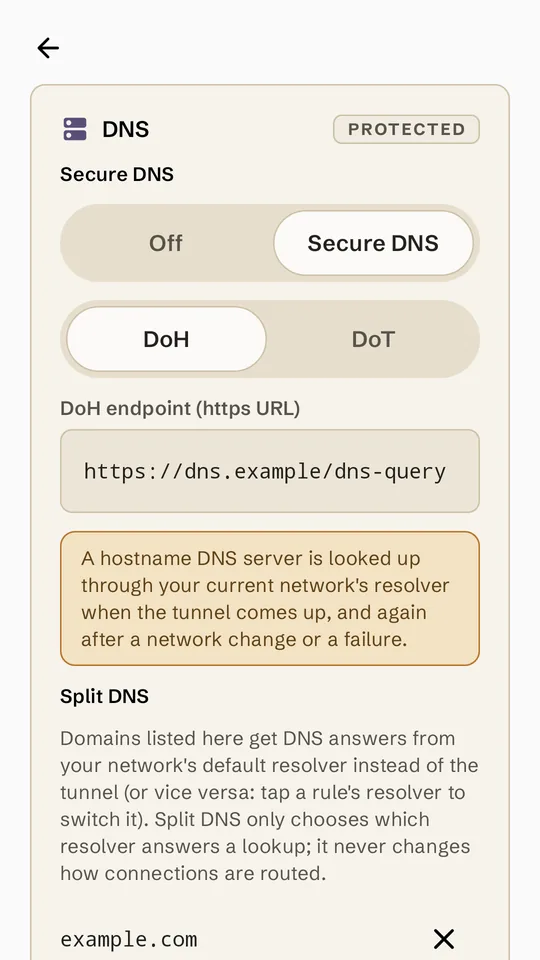
Encrypted DNS
DNS that travels inside the tunnel.
- DNS over HTTPS or DNS over TLS for each profile, with one-tap presets for well-known resolvers.
- Split DNS sends chosen domains to your current network's resolver, for names on your local network. Only the resolver changes; connections are routed as before.
- Vaayil warns you when a profile would send DNS lookups outside the tunnel, and when Android's Private DNS sends them elsewhere.
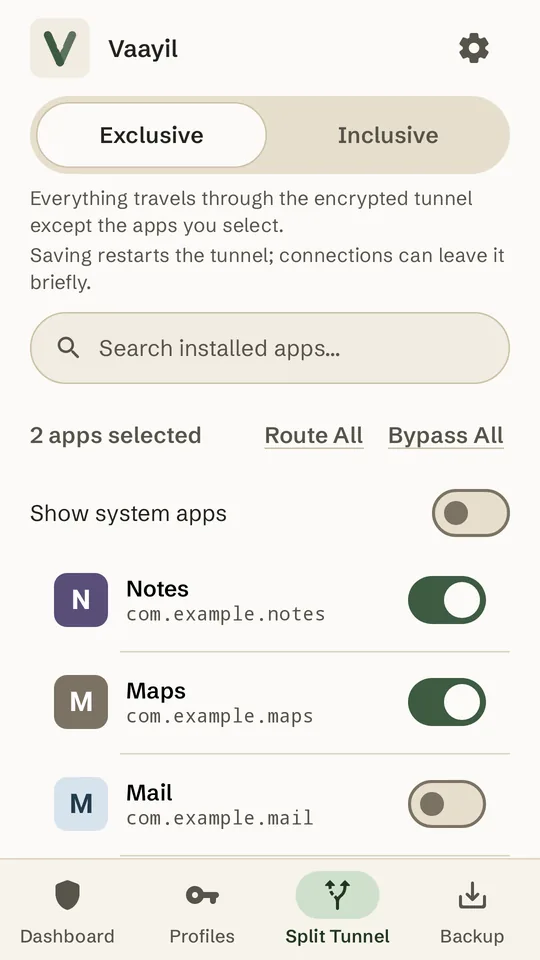
Split tunneling
Choose which apps use the tunnel.
- Exclusive: every app except the ones you pick. Inclusive: only the ones you pick.
- One set of rules for whichever profile is connected. A change applies as soon as you save it.
- Allow local network keeps printers and cast devices reachable while you're connected.
Automation
Connects when you'd want it to.
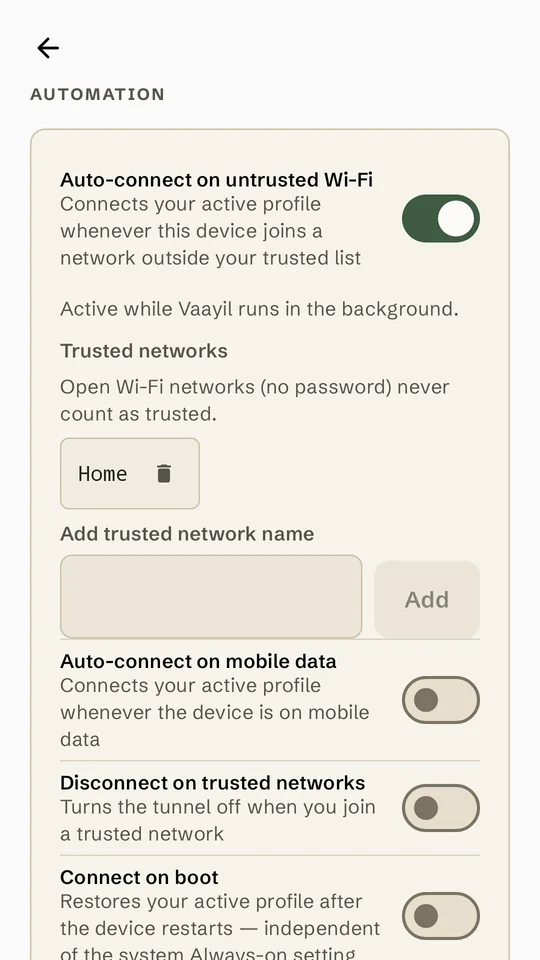
- Wi-Fi guard: connect on any Wi-Fi network that isn't on your trusted list and, if you choose, disconnect on one that is. Open networks never count as trusted.
- Connect on mobile data, or when the phone starts.
- Optional: start and stop tunnels from Tasker and other automation apps, protected by a per-install token.
Backup and quick controls
Ready for your next phone.
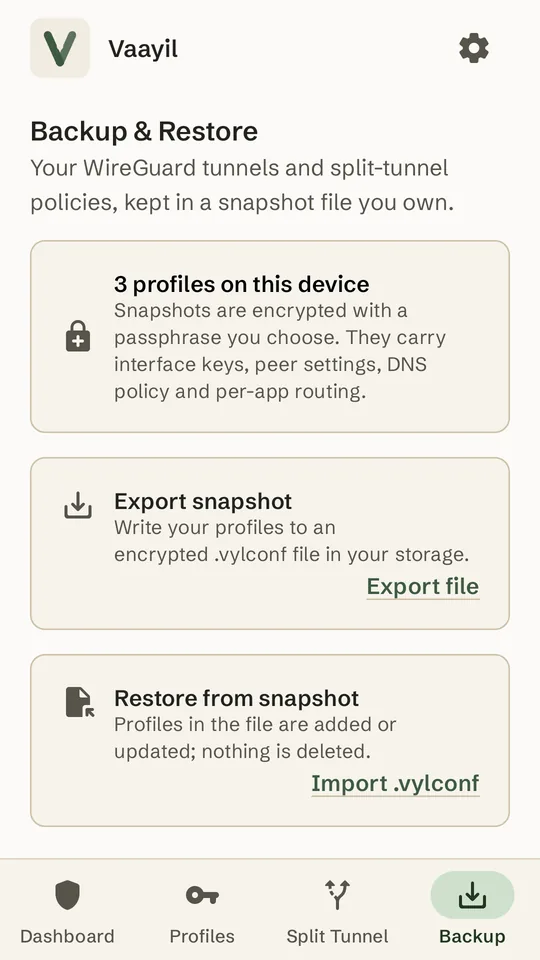
- Export every profile into one
.vylconffile, encrypted with a passphrase you choose. - A Quick Settings tile and a home-screen widget turn Vaayil on and off.
- Long-press the app icon to connect any of up to four profiles.
Kill switch, explained
Android's kill switch, and its limits.
What it blocks
With Always-on VPN and Block connections without VPN turned on, Android blocks apps' connections whenever the tunnel is down. Vaayil walks you through turning both on.
What it doesn't
Android doesn't block DNS lookups. While the tunnel is down, and for apps you exclude, the network you're on can still see the names apps look up. Android also lets any app send small keep-alive packets outside the VPN, even while Vaayil is connected, and the server they go to sees your real IP address. Install only apps you trust.
Privacy
Private by design.
What each permission is for
Open source
Read every line of it.
Vaayil is free software under GPL-3.0-or-later. The WireGuard tunnel is built from source, and the F-Droid build is set up to be reproducible.
How Vaayil is built. AI coding agents write and review the code under the maintainer's direction. The maintainer decides what gets built, sets the design and the rules, reviews the results and tests releases on real devices.
Install
Install Vaayil.
Android 8.0 or newer, and a WireGuard configuration to connect to.
apksigner verify --print-certs vaayil-1.1.0-2.apkThe certificate SHA-256 digest must read
6db86593371589a71a026eacab61770bb1e902552fcdfb3ebfd5f9d0ef141558
FAQ